
For years the way people found your Mini Program was fairly predictable. They scanned a QR code, tapped a link in an Official Account article, searched for you by name, or opened it again from the recently used list. That is starting to change.
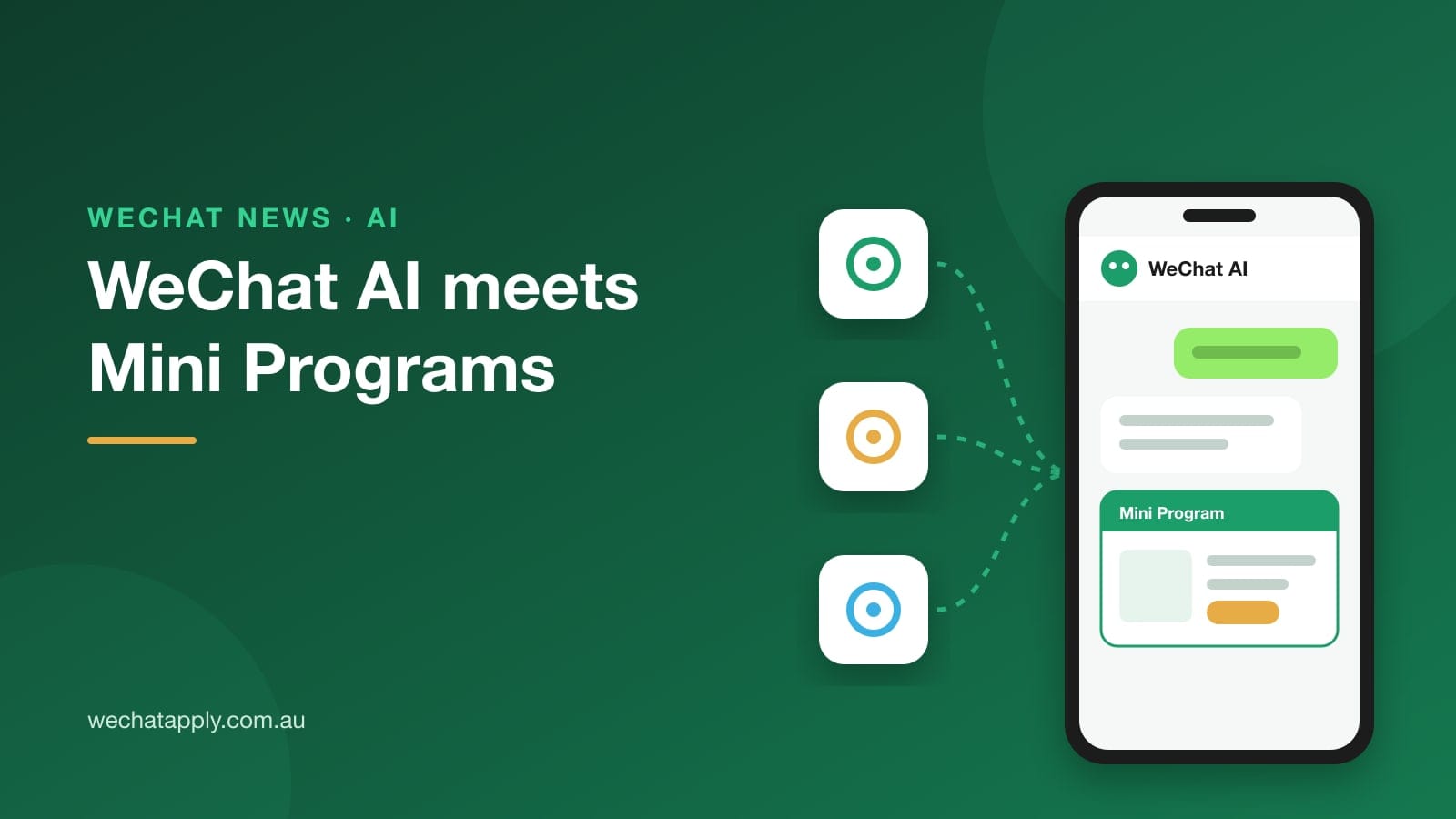
On 8 June 2026 the WeChat Open Platform published its Guidelines for Developers Connecting to the WeChat AI Ecosystem (关于开发者接入微信AI生态的指引). In short, a Mini Program owner can now allow WeChat's built-in AI to find, open and actually operate their Mini Program on a user's behalf. A user types or says "book two tickets for Saturday night" and the assistant goes and does it inside the Mini Program, rather than sending them off to search.
It is still early. The assistant itself, called Xiaowei (小微), is in a limited beta and most WeChat users can't see it yet. But the developer side is open now, and it is already changing how we think about Mini Program builds, so it seemed worth writing up properly.
It is opt-in, and nothing happens by default
This is the first thing to understand. WeChat is not switching this on for everyone. You have to go into the Mini Program admin console (mp.weixin.qq.com), open AI Capabilities (AI能力) and authorise it yourself.
According to reports on the guidelines, a Mini Program that has not been connected won't be recommended or called by WeChat AI, and its normal service carries on as before. So doing nothing is a real option. It just means you are invisible to this new entry point.
The two ways to connect
There are two modes, and you can run both at the same time.
Auto Mode. You give WeChat permission to read your Mini Program's source code when you submit a version for review. WeChat then analyses your pages and works out for itself how its AI can use them. There is no extra development work, which is obviously the attraction.
Developer Mode. Your team builds a purpose-made integration for the AI, describing what your service can do and how. It has to pass WeChat's own evaluation and review before the AI is allowed to call it. More effort, but you decide exactly what the assistant can and can't do.
Our honest take: Auto Mode is a reasonable way to get started, but it depends heavily on how tidy your Mini Program is. If your pages have vague button labels, half-finished flows or screens that only make sense visually, the AI is going to struggle with them in the same way a new user would. Developer Mode is where serious e-commerce, booking and membership businesses will probably end up.
What changed in July
WeChat has been updating the developer documentation for this regularly, and a few of the changes matter if you are planning to build in Developer Mode:
- 22 June: a new
collapsible-viewlets an AI-facing component expand into a half-screen panel. - 24 June: the nightly build of WeChat DevTools gained an observation platform, so developers can trace a conversation between a tester and the AI and replay it for debugging.
- 3 July: the bigger one. WeChat added a "relay to Mini Program page" step and, at the same time, stopped 21 APIs from being called inside the AI's atomic interfaces. Payment, location, scanning, media and sharing are all on that list. Those actions now have to happen on a normal Mini Program page that the user is handed over to.
- 15 July: an evaluation plugin was added so developers can test their own integration before submitting it.
The 3 July change says a lot about where WeChat is drawing the line. The AI can help a user get most of the way, but when it comes to paying or handing over personal information, the user is brought back into your Mini Program to do it themselves. If you have a checkout flow, that hand-over page is now one of the most important screens you have.
WeChat Pay has also introduced a card specifically for AI-assisted purchases, and the film ticketing platform Maoyan was reportedly among the first businesses in the internal test, offering recommendations, seat selection and payment through the assistant.
What we would check if you run a Mini Program from overseas
Many businesses we work with run a China-facing Mini Program from Australia, often built by a third-party developer. Before ticking the box, these are the things we would look at:
- Who owns the code, and are you comfortable with WeChat reading it? Auto Mode means granting source-code access at review time. Most businesses won't mind, but check your agreement with your developer first.
- Is your Mini Program actually easy to follow? Clear page titles, plain button text and complete flows help the AI as much as they help people. It's worth doing anyway.
- Does your payment step stand on its own? With the July rule, users can land on your checkout from an AI conversation without having seen the screens before it. Make sure that page still makes sense.
- Is your account in order? Category approval, verification (认证) and your annual renewal all still apply. None of this works if the account itself is on shaky ground.
We don't think anyone needs to rush this week, given most users can't see Xiaowei yet. But if WeChat's assistant goes the way the Mini Program ecosystem did in 2017 and 2018, the businesses that were ready early had a real head start. Getting your Mini Program into a state where Auto Mode can understand it costs very little.
If you'd like a second pair of eyes on your Mini Program before you connect it, get in touch. And if you don't have a Mini Program yet, our free Mini Program page is a good place to start.
Sources: WeChat Open Platform developer guidelines (8 June 2026), as reported by Gelonghui/Sina Finance and Guancha; the Mini Program AI capability changelog on developers.weixin.qq.com; IT Home.